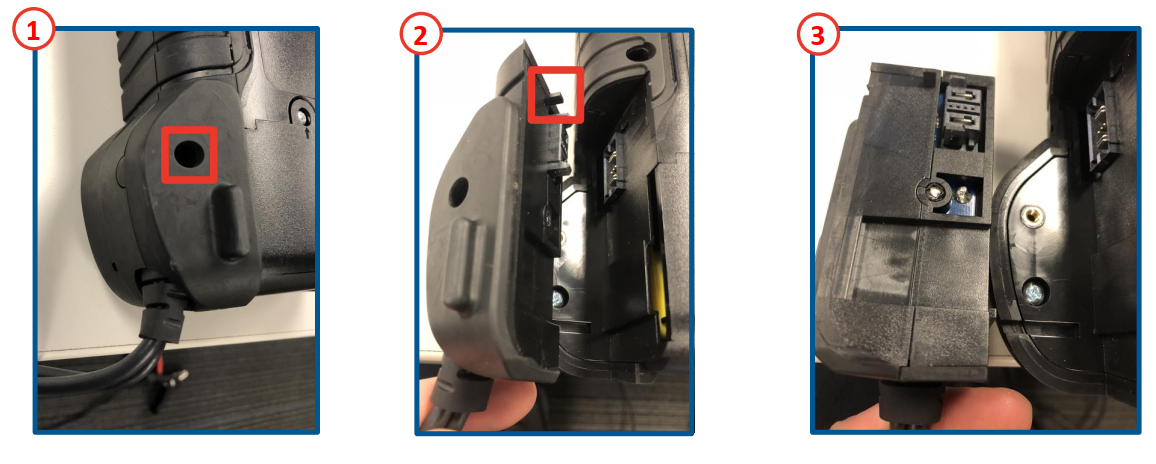
How to replace CPX-900 clamps Remove the screw holding the cable to the body of the testerPull the cable assembly away from the body of the testerReplace with a new cable assembly Updated on July 6, 2022 Related Articles CPX-900 Dock Uses Product Support Ordering CPX-900 Accessories How to replace CPX-900 printer How to use the barcode scanner? What battery rating units does CPX-900 support?